
GUIDE•
How to Download Instagram Reels with Audio — Step-by-Step (2026)
Download Instagram Reels with audio on Android, iPhone, or desktop. Follow the browser steps and troubleshoot missing audio or unavailable links.
Read More →Open Instagram on your device, navigate to the post, Reel, or Story you want to save, tap the Share icon or the three-dot menu (⋯), and select Copy Link.
Paste the copied link into the search box above and click Download. SaveGr retrieves the media options available for that post directly from Instagram.
Select your preferred available format (MP4 video or JPG photo) and click to save. The file will download directly to your device storage.
SaveGr processes links to public Instagram posts and extracts the media files Instagram delivers for that content. All files are provided in standard, universally compatible formats.
Download standard feed videos in their original available resolution (up to 1080p). Videos are delivered as standard MP4 files compatible with all media players.
Save vertical 9:16 Reels with their included background audio and music tracks intact, rendered directly from the source video file.
Download single photos or multi-slide carousel posts in high-resolution JPG. You can inspect each individual image and save them separately.
Save public 24-hour Stories and profile Highlights before they disappear, directly to your phone or computer storage.
Extract and save the standalone soundtrack or audio track from video clips and Reels for offline listening or reference.
View and download Instagram profile avatars in full size and original source clarity by entering the account username or link.
For private posts you can already view, use the Private Instagram Downloader and save only content you are authorized to keep.
Simple, browser-based Instagram downloads designed for ease and privacy.
Saves media in the highest quality Instagram delivers for that post, up to 1080p, with no added compression.
Download public posts without entering an Instagram password or sharing account details.
Downloaded videos and photos remain completely clean, with no logos, stamps, or added overlays.
Works directly in Safari, Chrome, and modern web browsers on iPhone, Android, and PC.
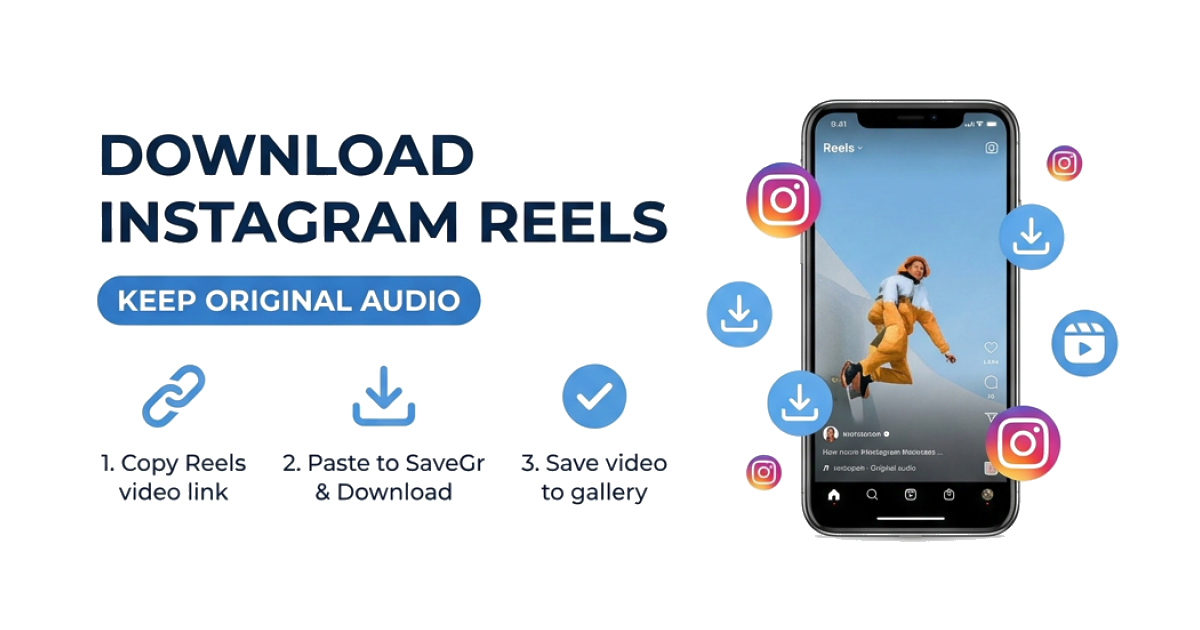
Download Instagram Reels with audio on Android, iPhone, or desktop. Follow the browser steps and troubleshoot missing audio or unavailable links.
Read More →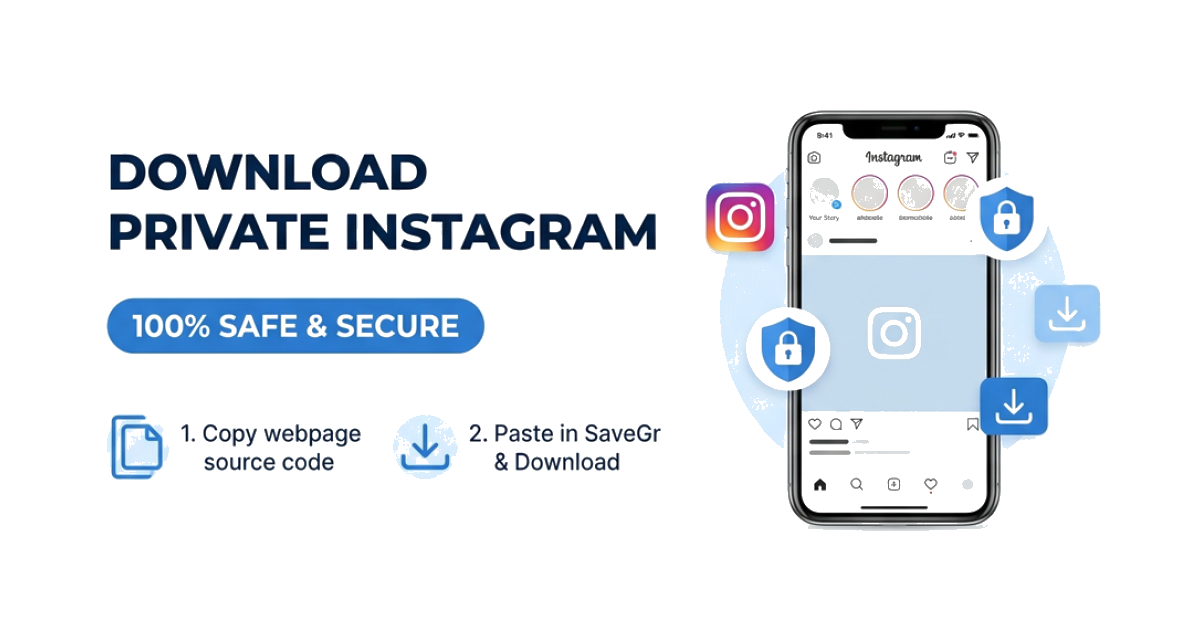
Download private Instagram videos and photos you are authorized to view. Follow the page-source workflow without sharing your Instagram password.
Read More →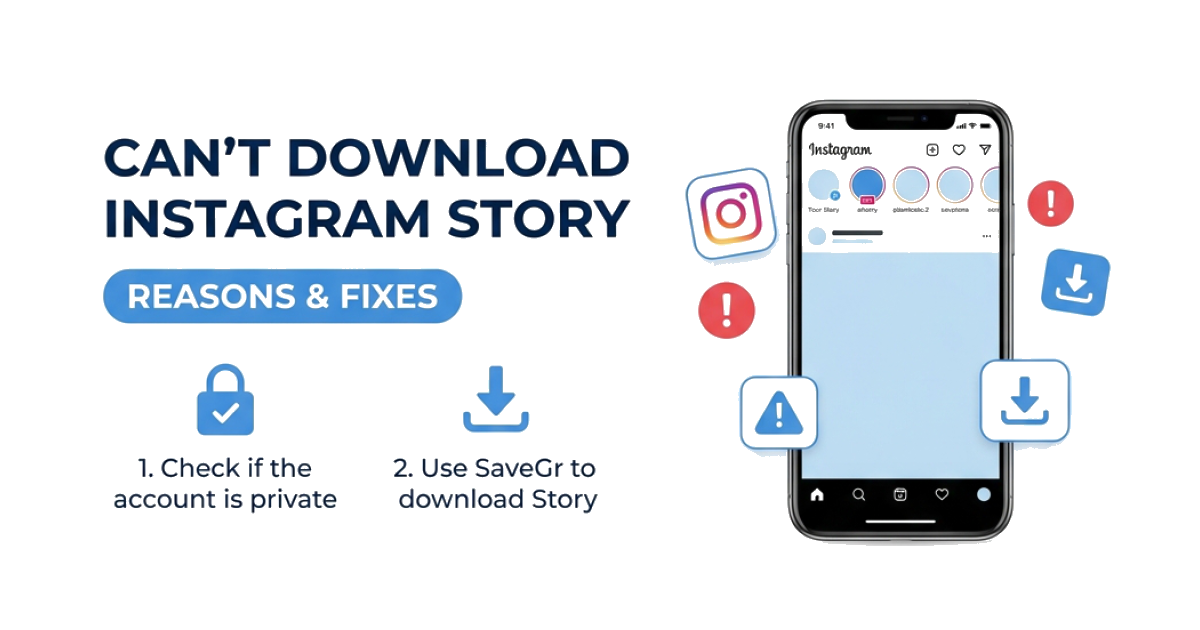
Can't download an Instagram Story? Check whether it expired, became private, uses an invalid link, or needs a fresh request, then try the matching fix.
Read More →