Instagram Highlights Downloader

Save your favorite Instagram Highlights permanently to your device in full HD.

How to Download Instagram Story Highlights?

1

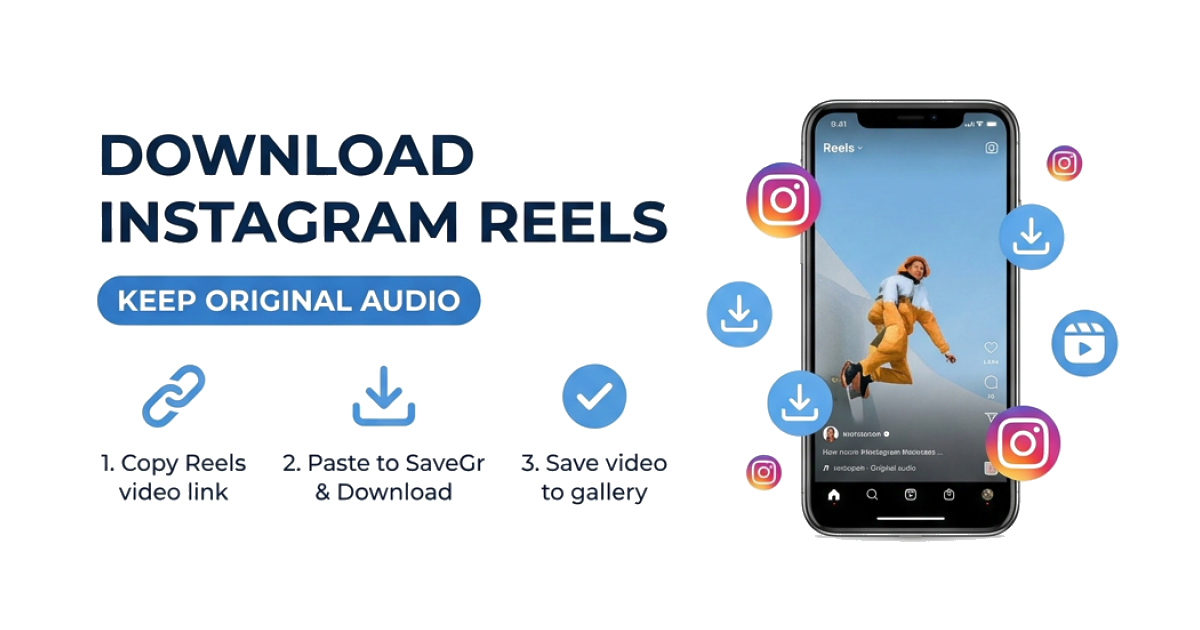
1. Copy Highlights Link

Open the Highlights on Instagram, tap the three dots or the share icon, and select 'Copy Link'.

2

2. Paste into SaveGr

Return to this page and paste the link into the input field above.

3

3. Save Highlights

Click 'Download' and the system will fetch all media items for you to save individually.

Preserve Your Favorite Highlights Forever

Ever come across beautiful Instagram Highlights full of travel moments or products and wish you could save them before they disappear? SaveGr makes it easy.

SaveGr is a simple, fast, and reliable highlights downloader that lets you save all content from any public IG highlights in HD quality - without needing to log in.

Why Use Our Highlights Saver?

Original HD Quality Download photos in JPG/PNG and videos in MP4 with full resolution and audio - no compression, no watermarks.
No Login Required Save Highlights privately. Instagram will not know who saved the media as we never touch your session data.
Fast Batch Processing Our engine handles Story Highlights efficiently, listing every slide so you can pick exactly what to save with one click.

Frequently Asked Questions (FAQ)

Can I download all stories from a Highlight at once?

Yes! SaveGr scans the entire Highlight and displays a list of all items for you to download individually.

Do I need to install any app or extension?

No, this is a completely web-based tool. It works in any browser on mobile and desktop.

Are the downloads high quality?

Absolutely. We fetch the raw content from the CDN to ensure no loss of resolution.

Is this tool free?

Yes, SaveGr Highlights Downloader is 100% free and unlimited.