Instagram Photo Downloader

Store your favorite Instagram moments in original high-definition. Download single posts or entire carousel albums in seconds.

How to Download High-Resolution Instagram Photos?

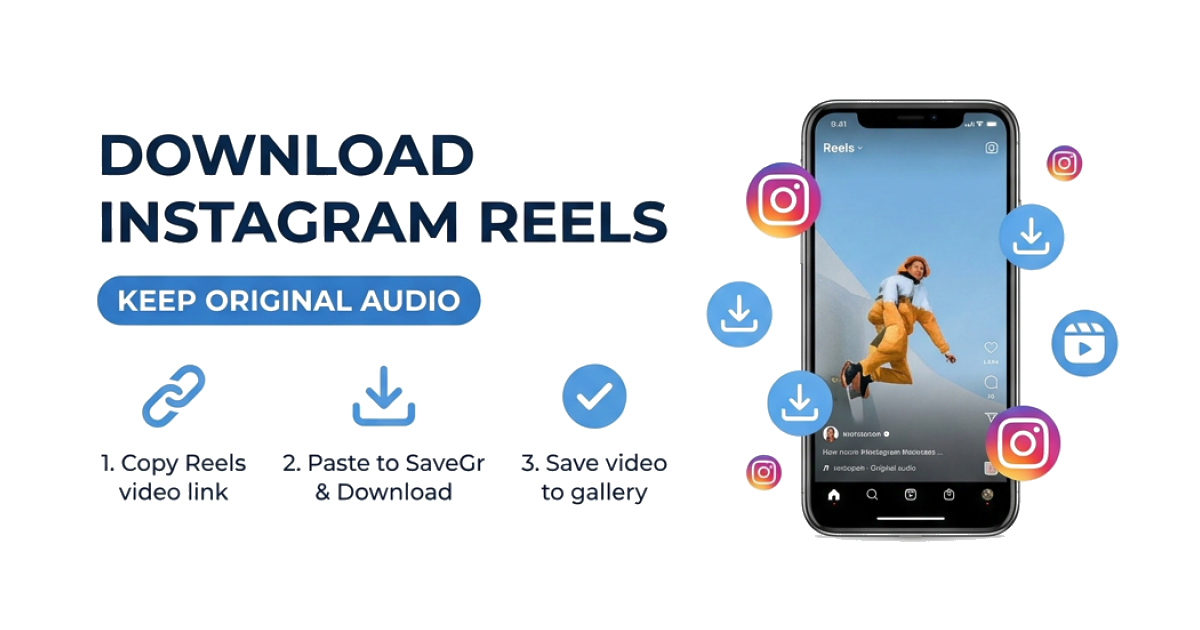
1

Copy the Link

Open Instagram, find the photo or carousel post, and tap the three dots or share icon to 'Copy Link'.

2

Paste into SaveGr

Head back to our Photo Downloader and paste the URL into the input field.

3

Save to Device

Hit 'Download'. You can save individual images or use our 'Download All' feature to get everything in one go.

Premium Features for High-Quality Archiving

Capturing inspiration should be seamless. SaveGr provides the tools to extract every pixel of a post exactly as the creator intended.

Lossless Original Quality We don't just take a thumbnail. Our tool locates the maximum resolution 'Display URL' from Instagram's CDN, ensuring your downloaded JPEG or WebP files are as sharp as the original.
Batch Download as ZIP Don't waste time saving 10 photos one by one. For carousel posts, use our unique 'Download as ZIP' feature to archive the entire album with a single, high-speed click.
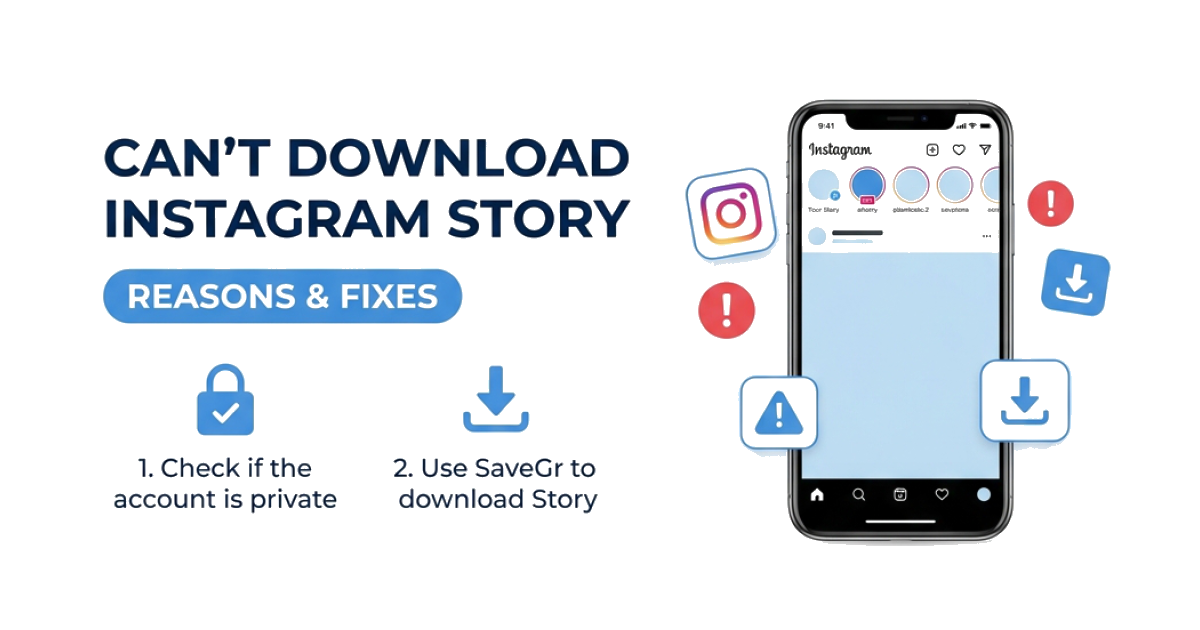
Profile Picture & Stories Beyond posts, you can also use our specialized Story Downloader or Highlights Saver to preserve every aspect of a profile.
No Account Required Your privacy is paramount. Use the SaveGr tool entirely without logging in or linking your social accounts.

Instagram Photo Download - Frequently Asked Questions

How to download multiple photos from an Instagram post?

When you paste a carousel link (a post with multiple images), SaveGr will automatically display all images. You can choose to download them individually or click the 'Download as ZIP' button to get all of them in one compressed file.

Can I download photos from private Instagram accounts?

To download content from private profiles you follow, please use our dedicated Instagram Private Downloader. It uses a secure manual method to respect privacy while allowing personal archiving.

What is the quality of the downloaded images?

We provide the original resolution. Most Instagram photos are saved as high-quality JPEGs or WebP files, depending on what the Instagram servers serve up for that specific post.

Does SaveGr store the photos I download?

No. SaveGr acts only as a proxy to help you locate and save files directly from Instagram's servers. We do not host or store any user content on our own servers.

How to save Instagram photos to iPhone Gallery?

Using Safari, tap 'Download'. Once the image opens, long-press it and select 'Add to Photos'. You can also find them in the Safari Downloads manager.