Instagram Reels Downloader

Save available Instagram Reels as MP4 in your browser — no login required for public Reels.

How to Download Instagram Reels

1

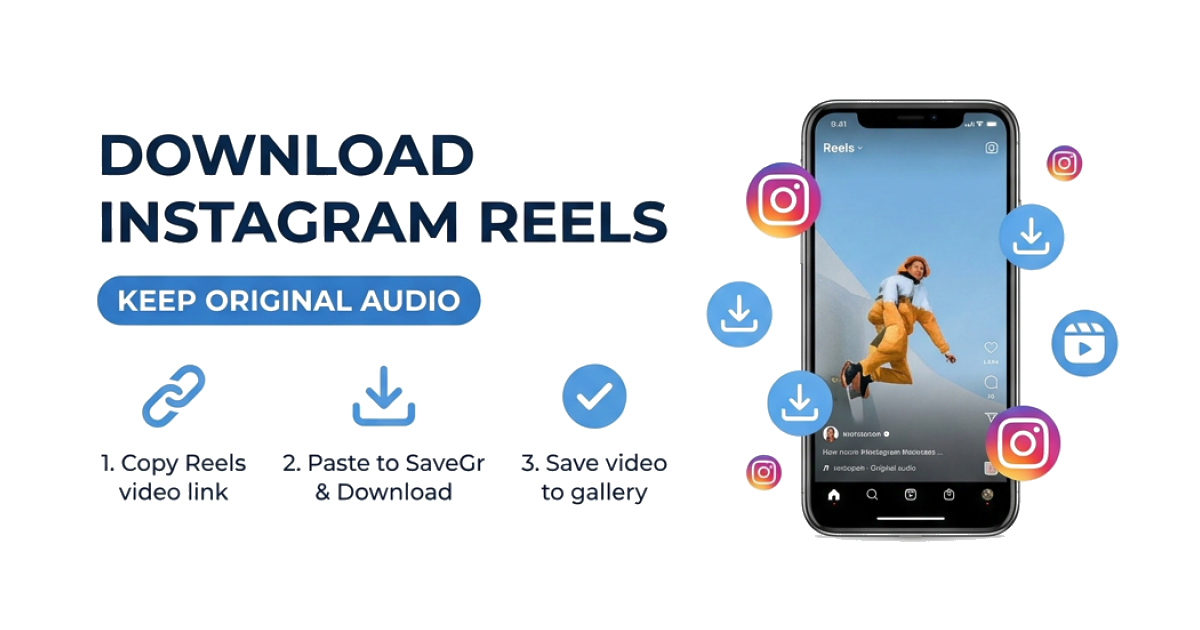
Copy the Reel Link

Open the Reel on Instagram, tap the three-dot menu (⋯), and select Copy Link.

2

Paste It Here

Paste the link into the box above and hit Download. SaveGr will fetch the video directly from Instagram.

3

Save to Your Device

Choose an available MP4 file and save it to your gallery or Downloads folder. Audio is included when it is available in the source file.

Download Instagram Reels as MP4

Paste a link to a public Instagram Reel to view the video files available for that Reel. Select an MP4 option and save it to your device.

MP4 format

The listed files use a video format supported by modern phones and computers.

Source quality

Available resolution and audio depend on the source file provided for the Reel.

Public Reels

No Instagram login is requested when the Reel is publicly accessible.

Trying to save a Reel from a private account you follow? Use the Private Instagram Downloader and save only content you are authorized to keep.

Frequently Asked Questions

Will the Reel download with the original music and audio?

If Instagram provides the Reel with an audio track, the downloaded MP4 will include it. Audio availability depends on the source file.

What format are downloaded Reels saved in?

The listed files are typically MP4, a format supported by modern phones and computers.

How do I save a Reel to my iPhone camera roll?

In Safari, tap the download icon after the video loads, then open the file and tap 'Save Video' to add it to your Photos app.

Is this tool free to use?

SaveGr currently provides this tool without requiring an account or payment.

Is it safe to use a Reels downloader?

SaveGr does not ask for your Instagram password when processing a public Reel. Review the Privacy Policy for current logging and retention details.

What quality will the downloaded Reel be?

SaveGr lists the quality available in the source response. Resolution varies by Reel, and the tool does not upscale the video.

Why won't a Reel download?

Most likely the account is private. This tool only works with public posts. Make sure you copied the correct link from the Reel's share menu.

Latest Articles