Instagram Story Downloader

Save available Instagram Stories before they expire — no login required for public Stories.

How to Download Instagram Stories

1

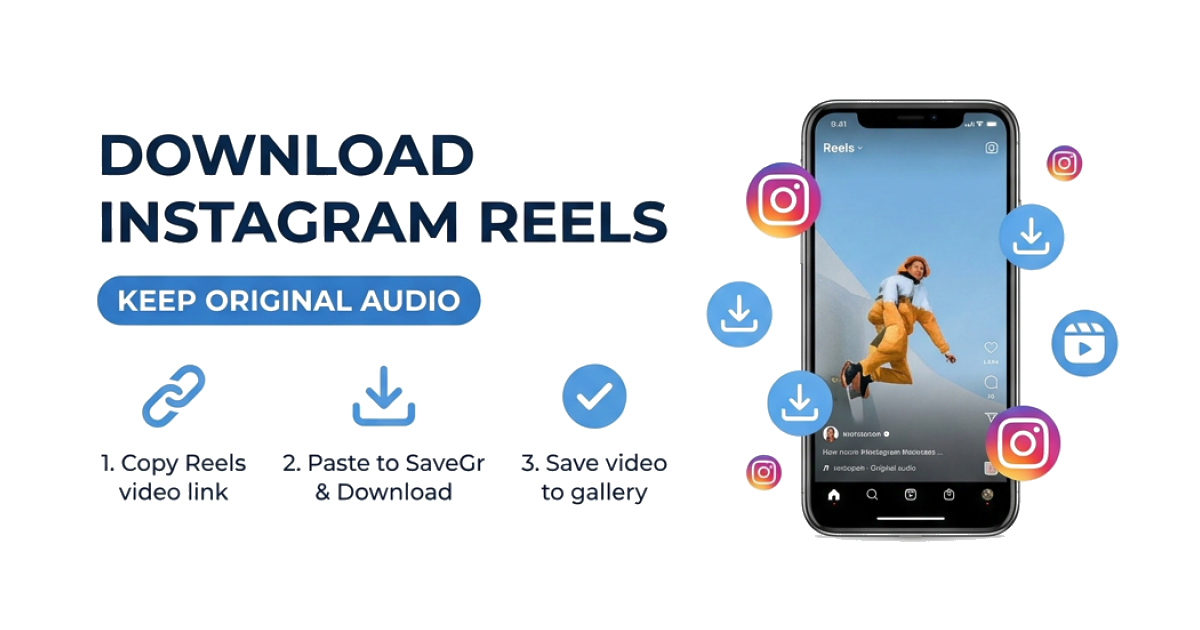
Copy the Story Link

Open the Instagram Story, tap the three-dot menu or share icon, and select Copy Link.

2

Paste It Here

Paste the link into the box above and hit Download. SaveGr will grab the Story content directly.

3

Save to Your Device

Download the Story as a video or photo file. Save it to your gallery before the 24-hour window closes.

Download active Instagram Stories

Paste a link to an active public Instagram Story to view the photo or video files currently available for that Story.

Active Stories

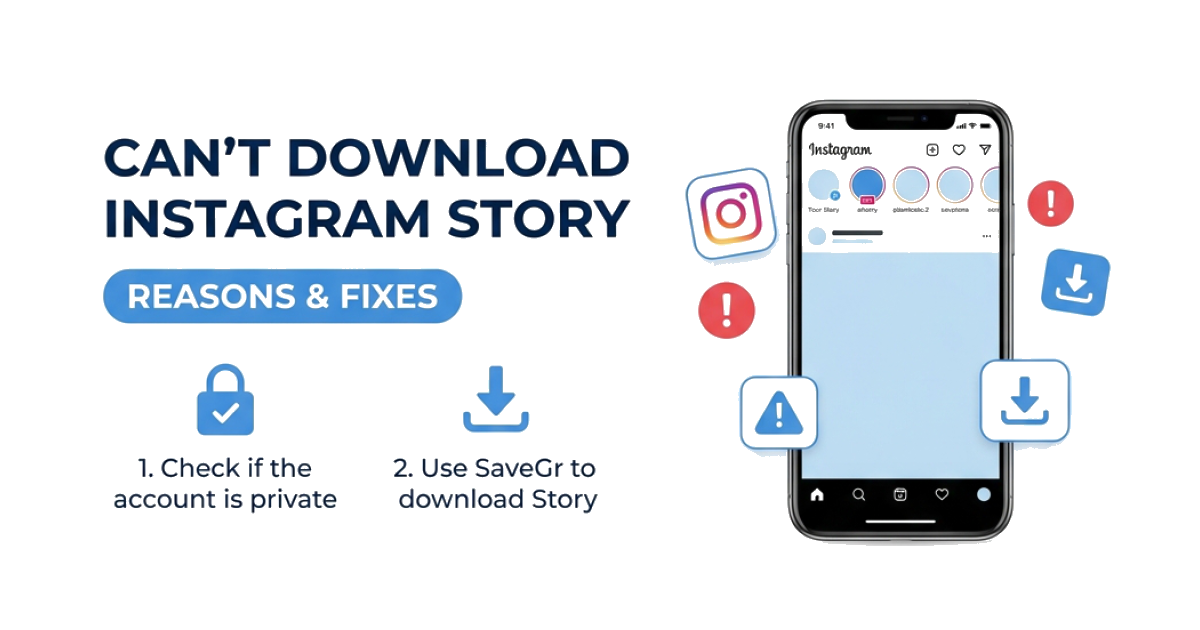
A Story may stop working after it expires, is removed, or becomes restricted.

Photo or video

Static Stories may be provided as images, while video Stories are generally MP4 files.

Media only

Interactive elements such as polls or question stickers may not be included in the saved file.

For private Stories you are authorized to view, use the Private Instagram Downloader.

Frequently Asked Questions

Will the person know I downloaded their Story?

SaveGr does not sign in as you for public Stories. Instagram can change how Story access is recorded, so do not rely on any method being invisible.

Can I download both photos and videos from Stories?

Yes. Video stories save as MP4, photo stories save as JPG.

Can I download a Story after 24 hours?

No. Once a Story expires, Instagram removes it from their servers. You need to save it while it's still live. For saved Highlights, use our Highlights Downloader.

Does this work with private accounts?

No. This tool only works with public accounts. For private profiles you follow, use our Private Instagram Downloader.

Is this tool free?

You can currently use the tool without creating an account or making a payment.

Where does the file save on my phone?

On Android, it goes to your Downloads folder. On iPhone, tap the download icon in Safari, then save the file to your Photos app.

Latest Articles