
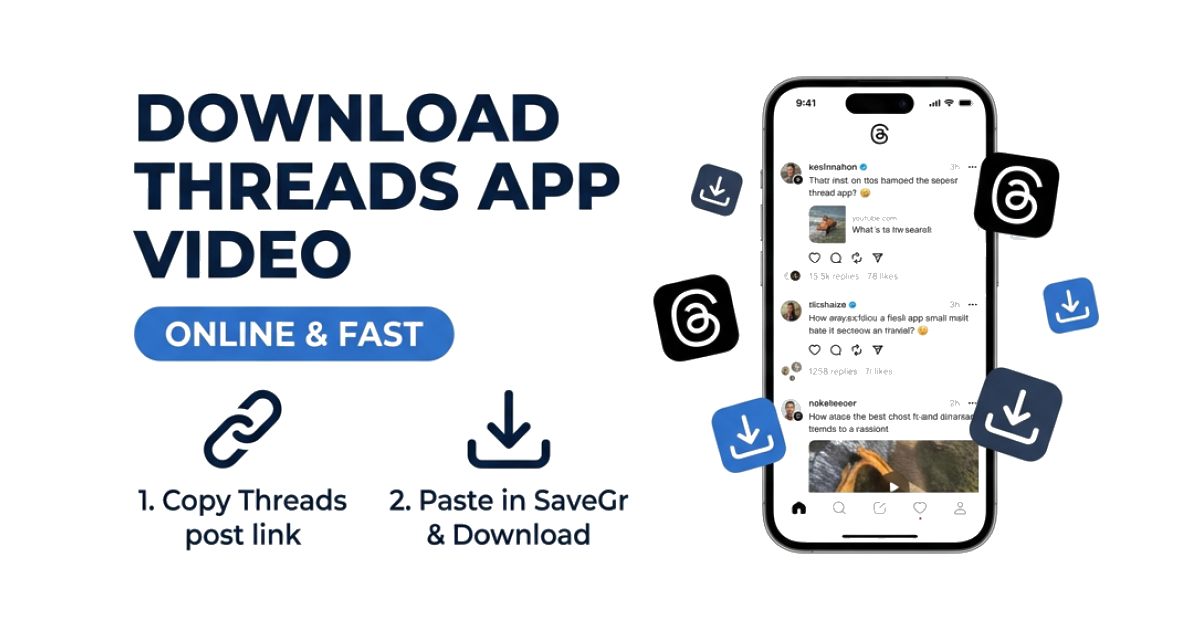
How to Download Videos from the Threads App (Meta)
Meta’s Threads app has grown rapidly since its launch, evolving from a simple text-based conversational tool into a thriving multimedia platform. Millions of users daily share short video clips, high-quality images, and viral GIFs on the network.
However, just like Instagram and Facebook, Threads does not provide a native button to download or save media files to your phone's storage. If you want to backup a video, edit it, or share it on another platform, you need a workaround.
In this guide, we will show you the easiest, fastest, and most secure method to download videos from the Threads app on Android, iPhone, and desktop computers.
Why There is No Download Option on Threads
Since Threads is built on Instagram's technology stack, it inherits the same privacy and data protection guidelines. Meta restricts direct media downloading for several reasons:
- Copyright Protection: Preventing unauthorized re-uploading of creator content.
- User Engagement: Keeping users inside the app to watch videos, rather than having them view files locally offline.
- Platform Security: Reducing server load and scraping activities.
Fortunately, public media links can still be extracted using clean web tools without violating user terms, provided the downloads are for personal use.
The Best Way to Download Threads Videos: SaveGr
SaveGr is a web-based utility that extracts high-definition MP4 files directly from Meta's Content Delivery Networks (CDNs).
Here are the key benefits of using SaveGr for Threads downloads:
- Full HD Quality: Rips the video at the maximum resolution uploaded by the creator (typically 1080p).
- No Account Required: You do not need to enter your password or log into Threads.
- Fast and Free: Processing takes less than 3 seconds per video.
- Works on All Devices: Completely compatible with iOS, Android, macOS, and Windows.
Step-by-Step: How to Download Threads Videos on iPhone
Since iOS requires browser verification for downloads, Safari is the recommended application for this method.
Step 1: Copy the Video Link from Threads
- Open the Threads app on your iPhone.
- Scroll to the post containing the video you want.
- Tap the Share (paper airplane) icon below the post.
- Select Copy Link from the pop-up options menu.
Step 2: Extract the Video File
- Close Threads and launch Safari.
- Visit SaveGr.com.
- Paste the URL into the search bar and tap Download.
- The system will scan the link and display the download options.
Step 3: Save to Photos App
- Tap the download button. Safari will display a notification: "Do you want to download this video?" Click Download.
- Tap the download progress icon in Safari's address bar.
- Select the downloaded MP4, tap the share icon in the bottom-left corner, and choose Save Video. The clip will now be visible in your local iPhone Photos app.
Step-by-Step: How to Download Threads Videos on Android
Android handles direct downloads very smoothly, saving files directly into the file system.
- Copy URL: Open the Threads app, locate the video, tap Share, and select Copy Link.
- Access Downloader: Open Google Chrome or Firefox and navigate to SaveGr.
- Paste and Search: Paste the URL into the search box and tap Download.
- Download: Select your preferred quality and click the download button. The MP4 video will download instantly into your device's
Downloadsfolder, accessible via the Files app or gallery.
Step-by-Step: How to Save Threads Videos on PC/Mac
Downloading Threads videos to a computer is ideal for video editors, marketers, and researchers.
- Open your web browser and go to the Threads website (
threads.net). - Navigate to the post containing the video.
- Copy the URL from your web browser’s address bar (it should look like
https://www.threads.net/@username/post/XXXXX). - Go to SaveGr, paste the URL, and click Download.
- Choose your desired quality format and click Save Video As to download the MP4 file to your desktop.
Threads Video Downloader Comparison Table
Below is a comparison of the different methods available to save Threads videos:
| Method | Resolution | Audio Quality | Security | Installation |
|---|---|---|---|---|
| SaveGr Downloader | Original HD (1080p) | High (Original Stereo) | 100% Secure (No login) | None (Web-based) |
| Screen Recording | Dependent on screen | Low (Mic capture) | Secure | None |
| Browser Extensions | Variable | Variable | Medium (Can track data) | Required |
| Mobile Apps | Variable | Variable | Low (Often require login) | Required (App Store) |
Frequently Asked Questions
Can I download images and carousel posts from Threads?
Yes. SaveGr is optimized to extract all media formats. If a Threads post contains multiple photos (a carousel), our tool will parse the page and provide individual download links for every high-resolution photo in the post.
Does the Threads user know I downloaded their video?
No. Threads does not track downloads and does not notify the author when you save their video. The process is completely anonymous.
Why does the downloader say "Private Post"?
Standard downloaders cannot fetch media from private Threads accounts. If the creator has locked their profile, the media URLs are hidden behind authentication layers, and our servers cannot access them.
What video formats are downloaded?
All Threads videos are exported as standard MP4 files, which are highly compatible with video editors, smartphones, social media players, and operating systems.